Flutter Charts: Hands On Tutorial For 6 Different Types Of Charts With Code Samples

Pictures speak louder and quicker than words. One of the examples proving this is a graphical representation of data. From management’s perspective, charts play an important role in making quick decisions.
Charts In Flutter:
For the Flutter apps, FL Chart provides a very easy and attractive way to create Flutter charts. The FL Chart library is not only easy to use but also highly customizable. We can create interactive charts that respond to user interactions, such as touch events. Here, we are going to see how to build the charts with fl_chart.
The data used for the examples is simple and easy to understand the implementation.
Prerequisites:
Before the ignition, let’s confirm the supplies. You need the following.
Flutter SDK
Android Studio, VS Code, or any other relevant code editor
Basic Flutter knowledge.
To develop apps efficiently using Flutter, especially when implementing data visualizations like charts, Flutter App Development Services is highly recommended. This will help you understand how Flutter can be used to create responsive and high-performing applications, making it easier to integrate features like charts into your projects.
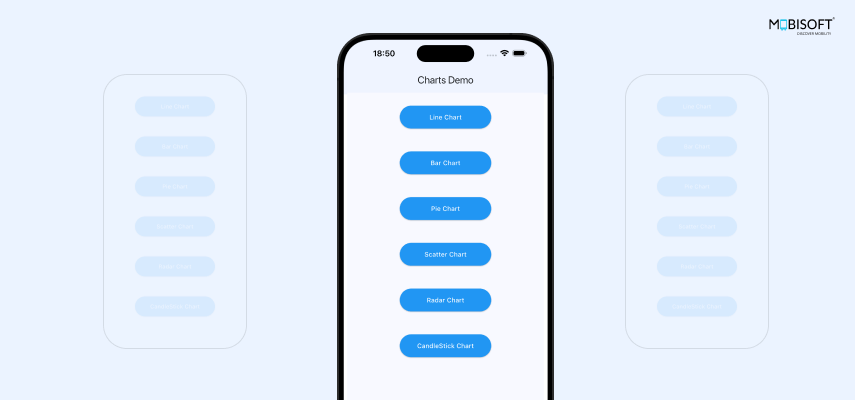
The most used chart types in Flutter are Line charts, Bar charts, and Pie charts. Here, we have also covered the Scatter chart, Radar chart, and Candle chart. The code is arranged as follows: from the landing home screen, we have options to navigate to a particular chart. In the code, there is a controller that embeds a widget of that particular chart, which is the main code you would be interested in. Let’s go one by one.

Line Charts In Flutter
Overview:
To represent the data graphically, Line charts are considered to be one of the most useful ways in Flutter for data visualization. Here, we are going to see the data of demand per month between two products in a Flutter line chart.
Being an excellent tool for handling rich data visualizations in a Flutter app with minimum effort, fl_chart offers a variety of customizable options. You can easily mold charts to fit your application’s theme that will result in keeping consistency in the UI and a happy client.
There is enormous scope to imagine and customize these charts, both individually and in combination, according to your requirements. Stretch your imagination to create beautiful representations, and most importantly, have fun.